He did the sensible-seeming thing and called the old carrier to cancel before signing up with the new one, so as not to pay twice. The number was released back into the pool the same afternoon. By the time the new carrier tried to transfer it, there was nothing to transfer — a number he had held since 2009, on every business card and bank record he owned, gone because of an order of operations nobody had explained.
What you need before you start
Gather these four things first. Missing any one is why ports fail.
- Your account number with the old carrier. Not your phone number. It is on the bill and in the account app.
- Your transfer PIN — also called a port-out PIN or number transfer PIN. Since 2021, carriers are required to provide one on request, and most now generate it in the app. It usually expires in seven days, so get it the same day you switch.
- The name and address exactly as the old carrier has them. This is where most ports stall. If the account says “Robert” and you tell the new carrier “Bob”, the systems do not match and the request is rejected. Same for an old address you never updated.
- The last four digits of the Social Security number or the account passcode on file.
Where to find the PIN:
- Verizon: My Verizon app → Account → Number transfer PIN. Or dial #PORT.
- AT&T: myAT&T → Profile → Sign-in info → Manage transfer PIN.
- T-Mobile: Dial #PORT# from the phone, or in the app under Account.
The order that works
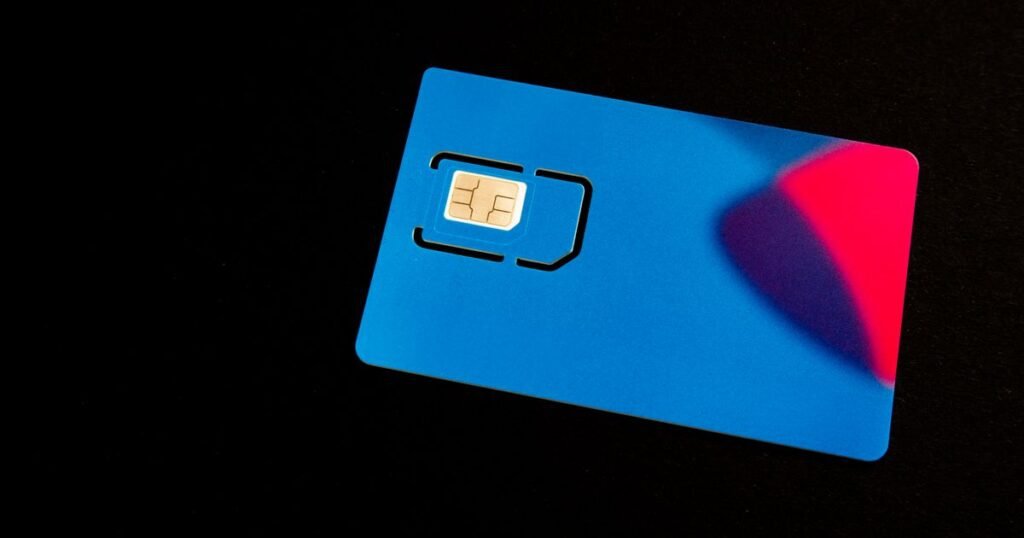
- Check coverage where you live and work. Not the national map — ask neighbours, or buy a prepaid SIM from the new network for ten dollars and test it for a week before committing.
- Confirm your phone is unlocked and compatible. More on this below.
- Sign up with the new carrier and choose “bring my own number” or “transfer my number”.
- Give them the account number, PIN, and the name and address exactly as the old carrier holds them.
- Keep the old SIM in the phone and keep using it. Service continues until the port completes.
- Wait. Most ports finish in a few minutes to a few hours; some take up to 24 hours, and a business line can take several days.
- When the new carrier says it is done, switch the SIM or activate the eSIM.
- Test: make a call, send a text, and ask someone to call you. Incoming is the direction that most often lags.
- Do nothing with the old account. It closes itself.
Is your phone unlocked?
A locked phone will not accept another carrier’s SIM. Carriers must unlock once the device is paid off and the account is in good standing — typically after 60 days of service.
iPhone: Settings → General → About → scroll to Carrier Lock. It should say “No SIM restrictions”.
Android: Settings → About phone → Status, or simply try another carrier’s SIM and see whether it asks for an unlock code.
If it is locked, request the unlock from the current carrier before you start, not after.
One compatibility trap: a phone bought years ago from a CDMA network may lack the bands the new carrier uses, especially for 5G. The new carrier’s site has an IMEI checker — dial *#06# to get the number and paste it in.
What you lose, and what you keep
You keep: the number, your contacts, your photos, your apps. Everything on the phone is untouched.
You lose:
- Visual voicemail and any saved voicemails. They live with the carrier, not the phone. Save anything you want to keep first — play it on speaker and record it with a voice memo app.
- Any remaining device payment balance, which becomes due in full. This is the real cost of switching mid-contract.
- Carrier-specific services — the carrier’s email address, cloud backup, hotspot add-ons.
- Your position in a family plan, if you are leaving one. The other lines may reprice.
Why ports fail, in order of frequency
- Name or address mismatch. The most common cause, by a distance. Use exactly what is on the old bill, including the middle initial, and the old address if you never updated it.
- Wrong account number. People give their phone number. Prepaid accounts often have an account number that is not obvious — ask the old carrier directly.
- Expired PIN. Seven days is typical. Generate it the day you switch.
- A freeze on the account. If you set up port-out protection — and you should have — you need to lift it before transferring, then set it again on the new carrier.
- Unpaid balance. Carriers are not allowed to block a port for non-payment, but a suspended line can stall it. Settle it first.
After it completes
- Set a port-out PIN on the new account immediately. This is what prevents someone else doing to you what you just did legitimately.
- Check that two-factor codes still arrive — bank, email, anything that texts you. Send yourself a test reset.
- Confirm the old account shows closed and the final bill is what you expected. Watch for an early termination fee or a device balance you did not plan for.
- Update the number nowhere — that is the entire point of porting. It is the same number.