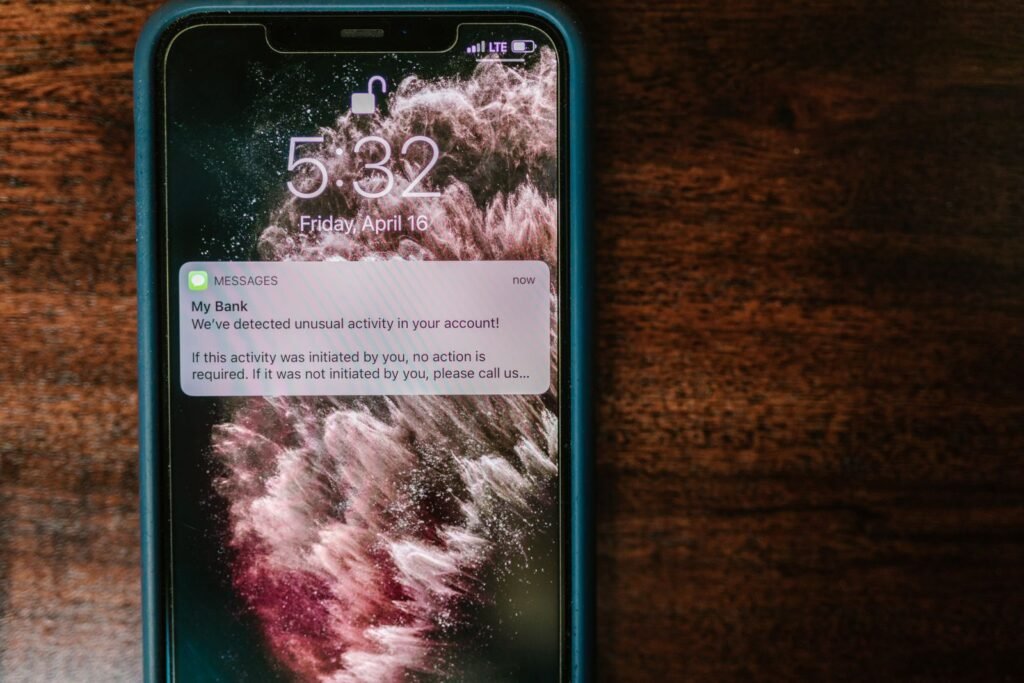
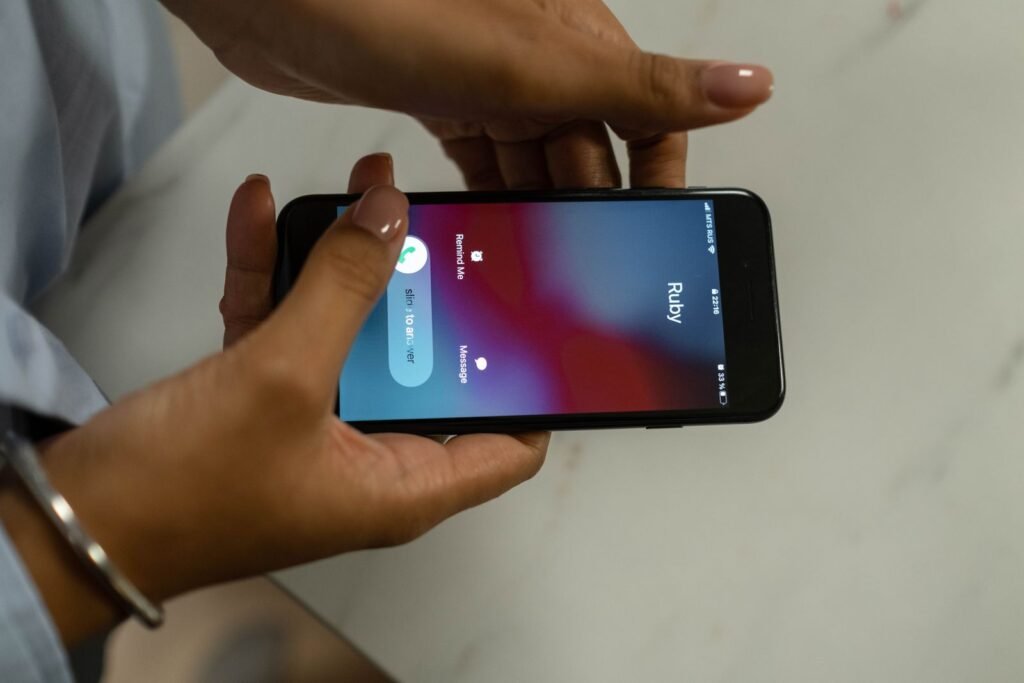
It’s 11:40 on a Tuesday and your phone lights up for the third time before lunch. The area code is yours. So are the next three digits, which is why your thumb keeps hovering. This time you answer. You say hello, get half a second of dead air — that little hole of silence — then a recording about your car’s extended warranty telling you to press 9 to be removed from the list. Don’t. That one key is the difference between a phone that rings all day and one that doesn’t.
The catch: “press 9 to be removed” is not an opt-out
How many more, no agency will say — both stick to might and could, so anyone quoting a percentage invented it. People push back here, and they’re half right: a legitimate company running a recorded sales call must offer an opt-out at the start, and that one is real. The problem is the two seconds you get to tell it from the criminal one. Use the FTC’s test instead of your gut — if it’s a recording, it’s selling something, and you never gave that company written permission to call you that way, the call was illegal before you touched a key. Hang up. Press nothing. Don’t answer their questions, especially anything answerable with yes or no.
What works, step one: 60 seconds on the Do Not Call Registry
- Go to DoNotCall.gov and click Register Your Phone.
- Enter up to three numbers at a time — the online limit.
- Watch your inbox. Each number gets its own email with a link, and you have 72 hours to click it or the registration never completes. Miss the window and you start over from step one.
- Or call 1-888-382-1222 (TTY: 1-866-290-4236) from the phone you want to register. Free either way.
Your number lands on the Registry the next day, but the FTC gives sales calls up to 31 days to stop — mark the calendar 31 days out from the day you register and judge it then, not tomorrow. Registration never expires. Know what free bought you: it makes calling you illegal for real telemarketing companies, with fines the FTC puts at up to $50,120 per call, and does nothing to a criminal already breaking the law. A legal telemarketer can’t dial before 8 a.m. or after 9 p.m. your local time, and must reach a live person within two seconds of your hello. That hole of silence at 11:40 is a machine dialing more numbers than it has people to cover.
Step two: five minutes turning on the screening your phone already has
iPhone on iOS 26
- Open Settings, tap Apps, tap Phone.
- Scroll to Screen Unknown Callers and pick one of three: Never, Ask Reason for Calling (your iPhone asks the caller for more information before it rings), or Silence (silenced, sent to voicemail, still in Recents).
- On the same screen, open Call Filtering and turn on Unknown Callers and Spam.
- Open Call Blocking & Identification and turn on Business Call Identification, so real companies show a name, not a stranger’s number.
To see what got caught, open Phone → Calls (or Recents), tap Filter at the top right and choose Unknown Callers or Spam. To rescue a real call, tap Mark as Known beside it, then Mark as Known again. If Screen Unknown Callers isn’t there, your language, region or iOS version doesn’t support it — use the iOS 18 path below.
iPhone on iOS 18
Open Settings → Apps → Phone and turn on Silence Unknown Callers; you’re still notified for your contacts, recent outgoing calls and Siri Suggestions. Then open Call Blocking & Identification and turn on Silence Junk Callers (certain carriers only) — the same protection later renamed Spam, so don’t hunt for newer wording on an older phone.
Android, Pixel and Samsung Galaxy
In the Phone app, tap More options (the three dots), then Settings, then Caller ID and spam — on some phones that menu reads Spam and Call Screen. Turn on See caller ID & spam, then Filter spam calls. On a Pixel with automatic Call Screen there is no Filter spam calls switch at all — don’t hunt for it, use the Pixel steps below instead. The tradeoff Google names: no missed-call notification and no voicemail notification, but the call stays in your call history and the voicemail is still there when you open the mailbox.
On a Pixel, use Call Screen and pick Maximum protection, Medium protection or Basic protection; on a Pixel 7 or newer, turn on Automatically screen calls for Spam, Possibly faked numbers and First-time callers. Automatic screening is Pixel-only — on other Androids you tap Screen call yourself while it rings. On a Samsung Galaxy the path is Phone → three dots → Settings → Caller ID and spam protection, then the switch at the top, then Block all spam and scam calls or Only block high-risk scam calls. Some Galaxy owners open that Settings screen and the entry isn’t there — it depends on your model and carrier. If it’s missing, use Phone → three dots → Settings → Block numbers instead, and tap Block number on the call screen each time a junk call comes in.
Step three: the free tool your carrier is already holding
| Carrier | Free tier | Paid upgrade | Fastest way in |
|---|---|---|---|
| T-Mobile | ScamShield: Scam Likely labels, Scam Block, spam to voicemail | ScamShield Premium, $4/month per line | Dial #662# |
| Verizon | Call Filter: spam detection and blocking, free on every eligible line | Call Filter Plus, $3.99/month, or $10.99 for three lines or more | The Call Filter app, or My Verizon |
| AT&T | ActiveArmor: auto fraud and spam blocking, My Block List | Advanced mobile security, $7/month per line | The AT&T ActiveArmor app |
One thing that table saves you: AT&T’s paid tier went from $3.99 to $7 per line on or after February 18, 2026 — any guide still quoting $3.99 is stale. And on T-Mobile you don’t need the app at all to get the free tier: dialing #662# turns Scam Block on from the keypad, no download and no login.
What backfires, and the ten minutes that fix it
Apple gives the fix and almost nobody does it: put the numbers you can’t afford to miss into Contacts — family, your child’s school, your doctor, your pharmacy. Screening reads that list to decide what rings. Ten minutes tonight is the difference between keeping this setup and ripping it out next week.
Three traps. Call 911 from your iPhone and screening switches off for 24 hours. Neither Apple nor Google screens while you’re roaming, whatever your settings say. And silenced calls land in voicemail, so open that mailbox once a week or it fills with junk and stops taking real messages.
What’s a waste of your time
Pressing any key a recording offers. Nine, two, zero, “press 1 for a representative.”
Answering their questions. The FCC is blunt: don’t respond, especially to anything answerable with yes or no. If you do pick up, hang up immediately.
Calling the number back, or blocking numbers one at a time forever. That number was borrowed for the afternoon; tomorrow’s arrives from a different one that looks just as local, and the FTC notes your phone may cap how many the block list holds. Block the repeat offenders, then stop.
Paying before you’ve used the free tier. All three major carriers give it away. Run free 31 days, then decide.
What isn’t a waste: reporting. No money lost — DoNotCall.gov, under Report Unwanted Calls. Money lost — ReportFraud.ftc.gov. Bring the caller ID number even if it’s fake.
How to know it worked
Do the free minute now. Open DoNotCall.gov, click Register Your Phone, click the email link within 72 hours. Then turn the screening on and add your doctor, your pharmacy and your kid’s school to Contacts. And the next time a recording offers you 9, you know what it’s really for.