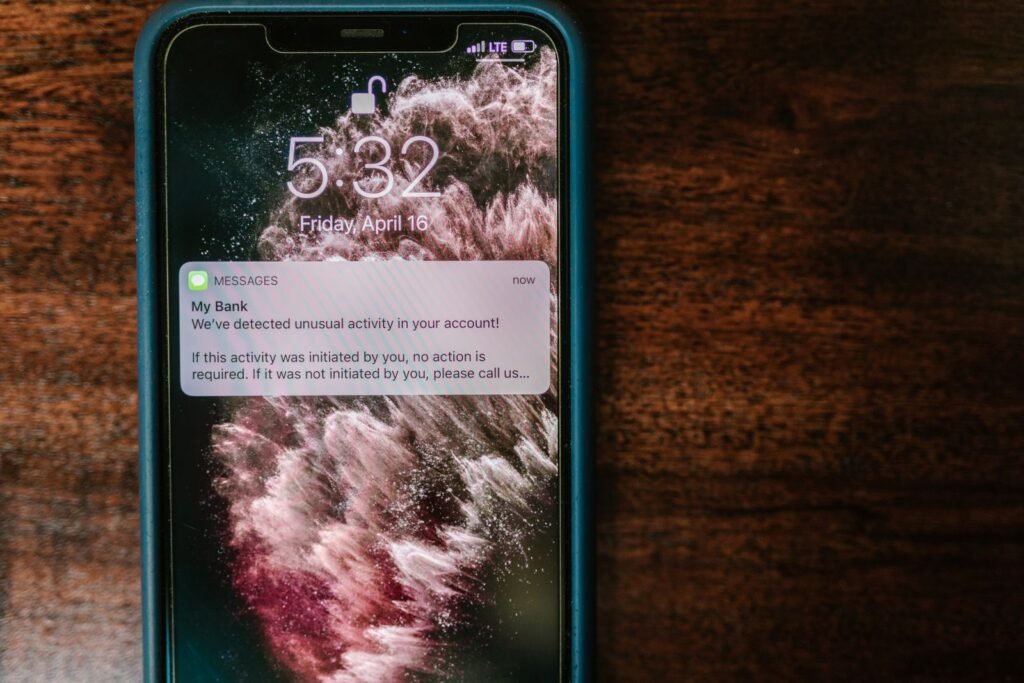
It arrived at 6:40 on a Sunday morning, which is the first clever thing about it. The logo is right. The footer has the real address of the bank’s headquarters. It refers to your card ending in 4417, which is in fact your card. And it says a 2,340 dollar charge at an electronics store two states away has been flagged, and would you confirm it was you. Your thumb is already moving toward the button. That is the entire design.
Check 1: read the domain backwards from the @
Everything before the @ is decoration the sender chooses freely. The only part that matters is the domain immediately after the @, and you read it from the last dot backwards.
alerts@chase.com — the last two pieces are chase.com. Real.
alerts@chase.secure-login.com — the last two pieces are secure-login.com. The word “chase” is just a subdomain anyone can create. Fake.
alerts@chase-alerts.com — chase-alerts.com is a completely different domain from chase.com. Fake.
On a phone the sender name usually hides the address entirely. Tap the name to expand it. If your mail app will not show you the real address, that is reason enough to stop.
Check 2: hover the link without clicking it
On a computer, rest the pointer over the button and read the URL in the bottom-left corner of the window. On a phone, press and hold the link — a preview appears with the real destination.
Apply exactly the same rule as the email domain: read backwards from the final dot before the first single slash. https://chase.com.verify-account.ru/login ends at verify-account.ru. The padlock means nothing here — any site can get a certificate in minutes, including a fraudulent one.
Check 3: what does it actually want you to do
Legitimate fraud alerts are designed to be acted on without giving anything away. They say: we blocked a charge, reply YES or NO, or call the number on your card.
Count how many of these the message is doing:
- Creating urgency with a deadline — “within 24 hours”, “account will be suspended”
- Asking for your full card number, PIN, password, or Social Security number
- Asking for a one-time code that was just texted to you
- Asking you to install something to “secure” the account
- Asking you to move money to a “safe account”
Any one of these is decisive. Your bank never needs your password — they can see your account without it. And the one-time code is the whole heist: the criminal is sitting at the real login page, triggers the real code to your real phone, and needs you to read it out. No legitimate employee will ever ask for it.
“Move your money to a safe account” is not a thing that exists. If your account were compromised, the bank would freeze it, not ask you to transfer out of it.
Check 4: go around the message entirely
This is the one that works every time and requires no judgment at all.
Close the email. Open your bank’s app from your home screen, or type the address yourself. If a charge was genuinely flagged, the alert is waiting inside the app. If nothing is there, nothing happened.
This defeats every version of the attack, including ones that are better than anything described here, because it never touches the attacker’s infrastructure.
What gives the good ones away
The sloppy fakes are easy. The good ones have no typos, a real logo, and your correct last four digits — which they got from a data breach, not from your bank. What they still get wrong:
- A generic greeting. Your bank knows your name and uses it. “Dear Customer” is a form letter.
- The wrong channel. Banks send fraud alerts by text and push notification because they are instant. A detailed email is already unusual.
- An attachment. Banks do not email attachments about fraud. Ever.
- Reply-to differs from From. Hit reply without sending and look at where it is addressed.
- A card you do not have. Blast campaigns name a bank at random. If you do not bank there, you just watched the scam fail.
If you already clicked
Clicking alone is usually survivable. What matters is what you typed.
- Typed a password: change it immediately on the real site, and anywhere else you used the same one. This is the moment people discover reuse was a bad idea.
- Read out a one-time code: call the number on your card now. Someone is in the account at this moment.
- Entered the card number: ask for a new card. Not a block on the old one — a new number.
- Installed something: disconnect from Wi-Fi and have the machine looked at before using it for anything financial.
- Nothing, you just clicked: you are almost certainly fine. Close the tab and move on.
Then do the thing people skip: turn on two-factor authentication on the account. Stolen credentials stop working the moment a second factor is required.